Essentials Countdown
Display event countdown timers and launch counters with timezone-aware scheduling.
Configuration Guide
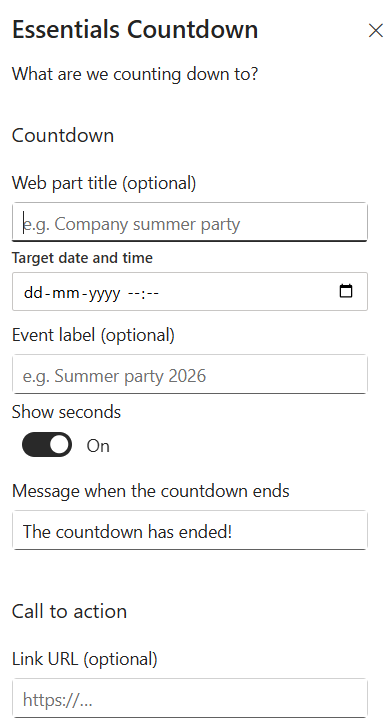
- Add the Essentials Countdown web part to the page.
- Enter the target date and time, including timezone.
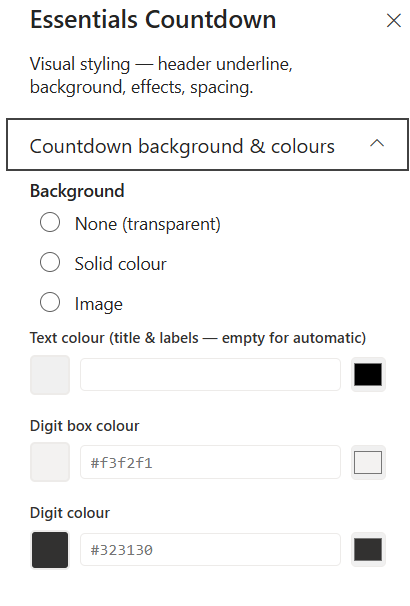
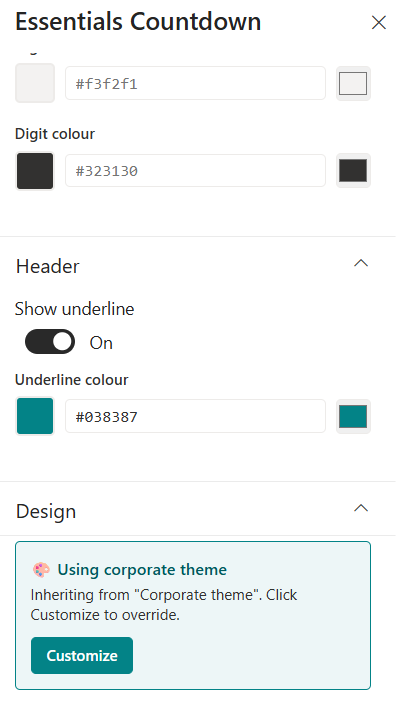
- Choose a visual timer style (numeric, compact, hero).
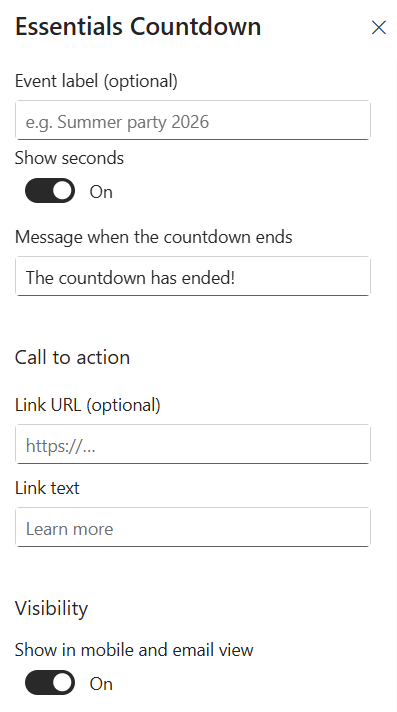
- Configure post-expiry action: show CTA, hide, or display a message.
- Publish and verify the timer counts down correctly.
Property Pane Options
| Option | Type | Description |
|---|---|---|
| Target date/time | DateTime | Set the target moment for the countdown |
| Timezone | Select | Choose timezone handling |
| Style | Radio | Select visual style for the timer |
| Expiry action | Dropdown | Choose what happens when the timer ends |
Illustration