Essentials Document Rollup
Roll up documents into configurable list, card and compact layouts from selected sources.
Configuration Guide
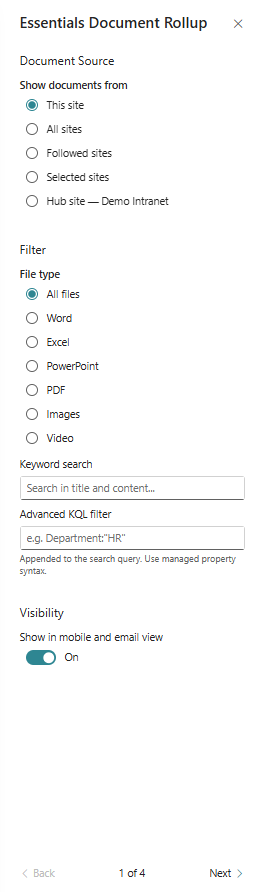
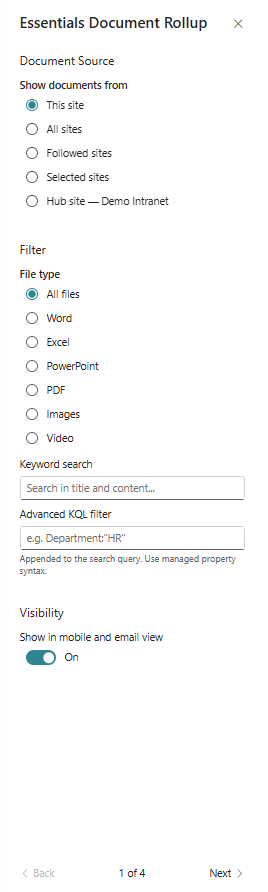
- Add the web part to the page and choose the document source.
- Configure filters, search criteria, and selected libraries.
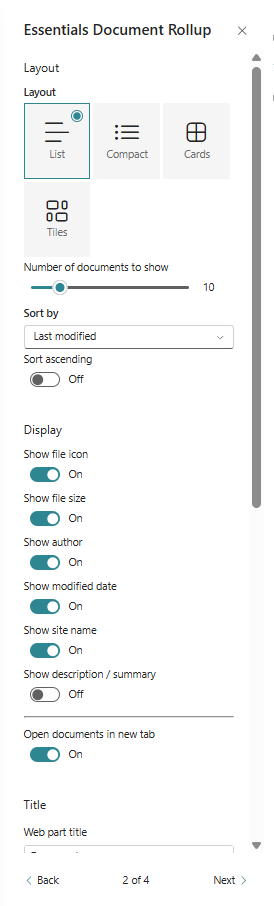
- Choose a display layout such as list or tile view.
- Adjust item fields and labels shown in each document card.
- Set sorting and grouping options.
Key Features Configuration
| Feature | Description | Configuration |
|---|---|---|
| Layout selection | Switch between list, tile, and compact views | List, tile, compact views |
| Document source | Choose which libraries to pull documents from | Choose libraries and content sources |
| Filters | Narrow results by metadata | Apply document filters by metadata |
| Display fields | Control which properties appear on each card | Configure visible document properties |
Property Pane Options
| Option | Type | Description |
|---|---|---|
| Layout | Dropdown | Select list or tile layout |
| Source | Picker | Choose document libraries or lists |
| Filters | Text / Select | Configure filtering criteria |
| Item fields | Collection | Select fields to display per document |
Illustration