Essentials Greeting
Show personalised welcome banners and contextual messages for users.
Configuration Guide
- Add the Greeting web part to the page.
- Define rules for which users or roles see each message.
- Enter the greeting content, optional image and CTA link.
- Choose the banner style and accessibility label.
- Publish and verify messages appear for target users.
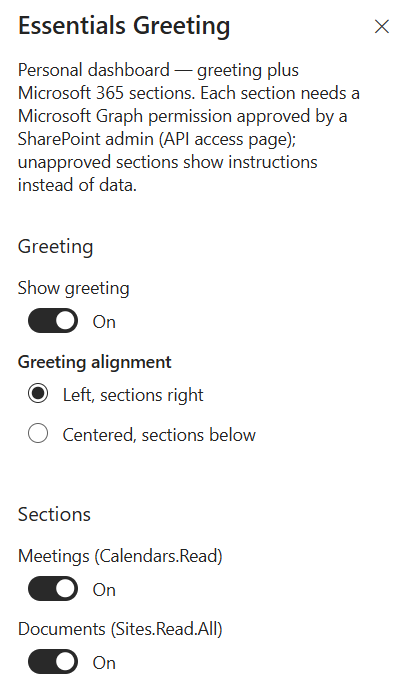
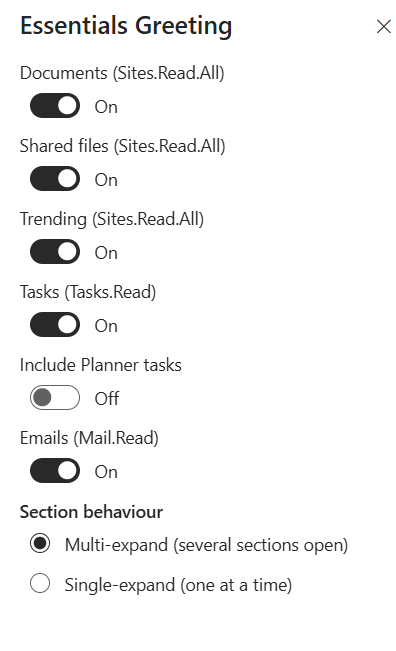
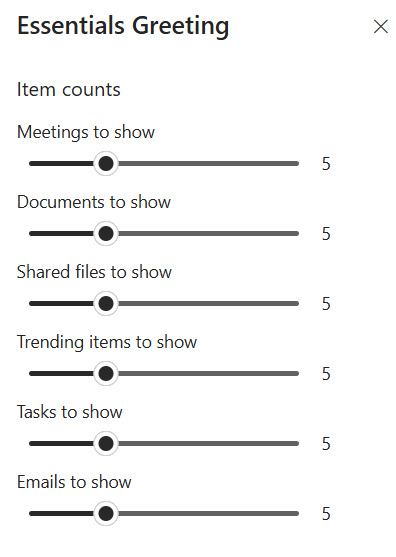
Property Pane Options
| Option | Type | Description |
|---|---|---|
| Rules | Collection | Define role or attribute based display rules |
| Content | Text | Greeting message and CTA |
| Style | Radio | Banner appearance and colours |
Illustration